
Invoicing - Signature UI
Use this UI to add a custom signature to your invoices.
To access this UI, click the Settings icon and click Signature. The following UI is displayed:
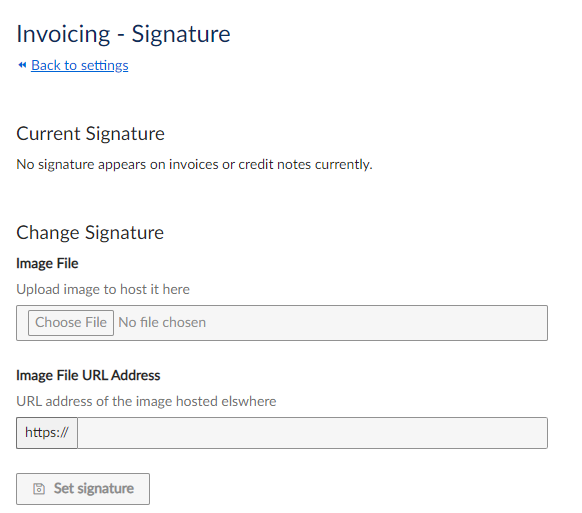
Invoicing Signature UI
This UI contains the following fields:
| Field | Description |
|---|---|
| Image File | Use this to upload a local file to use for your signature. |
| Image File Address | Use this if your logo is stored at a non-local location. Specify the URL where the signature is stored. |
To save your changes, click Set signature.
Existing signatures are displayed in the Current Signatures section.
Updated 23 days ago
Did this page help you?