
Password
Change your user profile password.
When you forget your password, use the Forgot password link on the User Login page and follow the prompts. Passwords expire automatically every 90 days, and the service prompts you to change your password.
If you want to change your password, use the Password feature in your settings. Enter your current password, followed by your new password. Enter your new password again to confirm it.
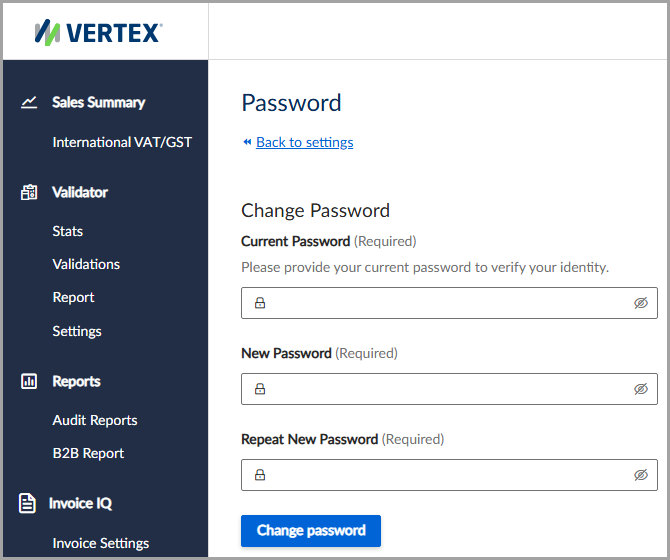
Change your current password at any time.
Criteria for passwords
Passwords must be between 8 and 128 characters in length and must contain at least one uppercase letter, one lowercase letter, one number, and one special character (such as !@#$%^&*<>?).
Change your password
To change your password, follow these steps:
- Select Settings > Password.
- Enter your Current Password and New Password.
- Enter your new password again to confirm it.
- Click Change password.
Updated 4 months ago
Did this page help you?