
Security
Enable multi-factor authentication for your user profile.
The Security feature enables multi-factor authentication (MFA) for your user profile. This feature increases security and significantly reduces the potential for unauthorized access to your service environment.
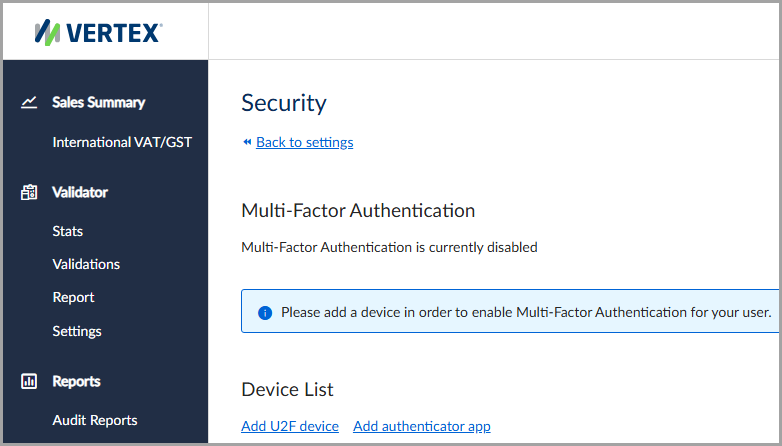
The security feature with multi-factor authentication disabled.
Unique code for authentication
Multi-factor authentication requires the use of a unique code for authentication, known as a security code, passcode, or one time passcode (OTP). When you log in to the service, you're prompted to enter a security code in addition to your email address and password.
Note:Multi-factor authentication (MFA) is also referred to as two-factor authentication or two-step verification.
Obtain a security code
The service can send a security code to a mobile device or authenticator app. Follow the prompts under the Device List section in the Security feature for detailed setup instructions.
Enable multi-factor authentication
To enable multi-factor authentication, follow these steps:
- Select Settings > Security.
- Under Device List, select Add U2F device or Add authentication app.
- Follow the prompts for detailed setup instructions.
Updated 4 months ago