
Validation Statistics
View tax number validation activities across supported countries and regions.
The Tax Number Validation Statistics feature provides visibility into business tax number validation activities across supported countries and regions.
You can use these statistics to review validation trends and monitor validation outcomes over a selected date range.
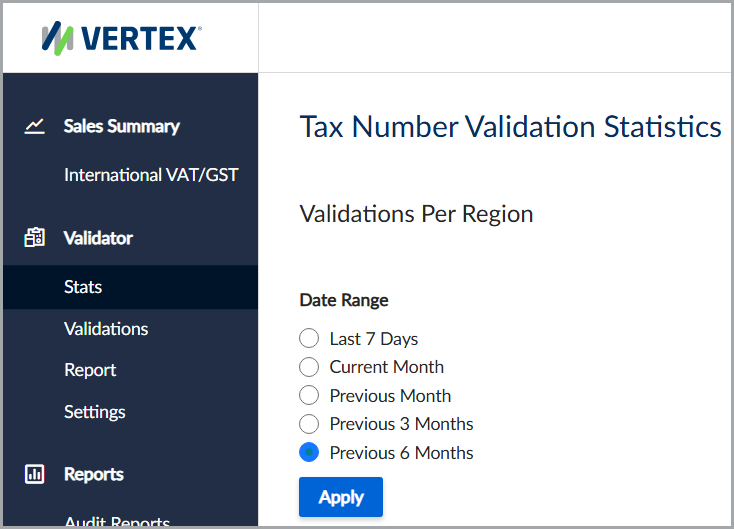
The Tax Number Validation Statistics feature.
Refresh the validation statistics
To refresh the validation statistics, follow these steps:
- Select Validator > Stats.
- Select the Date Range, and then click Apply to refresh the results.
Filters
Use the Date Range option to filter validation statistics for one of the following periods:
- Last 7 Days
- Current Month
- Previous Month
- Previous 3 Months
- Previous 6 Months
Results
This table lists the available fields and their descriptions.
| Field | Description |
|---|---|
| Region | The country or region where validations occurred. |
| All Validations | The total number of validation requests processed. |
| Valid | The number of successfully validated tax numbers. |
| Invalid | The number of invalid tax numbers. |
| Error | The number of validation requests that returned an error. |
Updated 4 months ago
Did this page help you?