
B2B Reports
Generate required business-to-business (B2B) transactions for tax authorities.
The B2B Report feature is available in India and Turkey.
These countries require foreign-based sellers of digital goods to submit business-to-business (B2B) reports to the tax authority. The reports help sellers capture required information, such as the transaction amount and tax identification number.
To create a report, select Reports > B2B Report > New report. Select your filters, and then schedule the report to run once or on a recurring schedule.
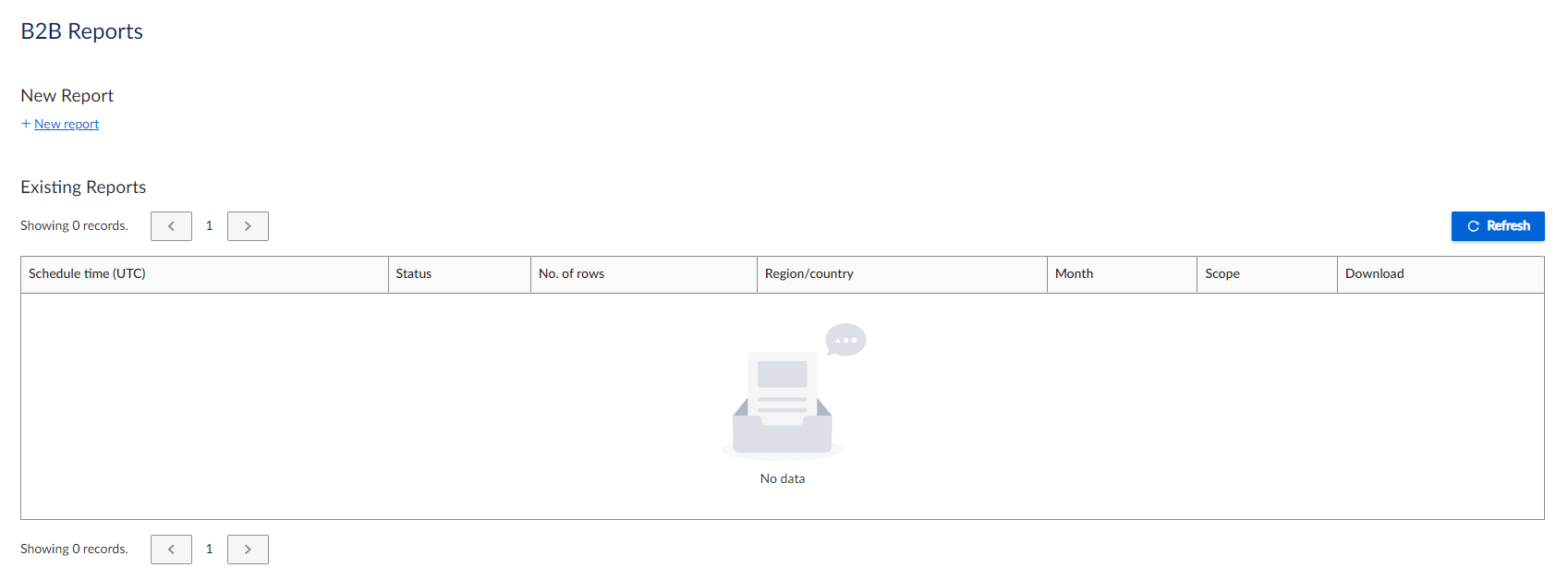
B2B Reports UI
Considerations
Note the following considerations:
- The obligation only applies to foreign-based sellers of digital goods.
- Refunds are not included in these reports.
Filters
The filters are displayed as follows:
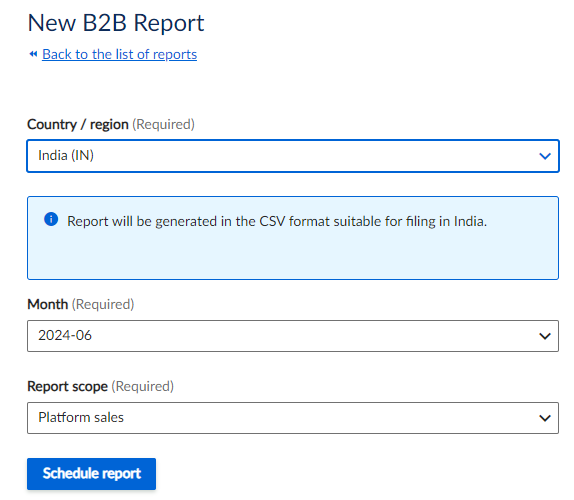
B2B Report Filters
The report has the following filters. All of these are mandatory.
| Field | Description |
|---|---|
| Country / Region | The country that you want to run the report on. It is usually India or Turkey. |
| Month | Choose the month to which the report applies. |
| Report scope | For marketplace sales, select Platform sales. For sales by sellers, select Platform seller sales. |
Column headers
The report helps you capture the following information:
| Column Header | Description |
|---|---|
| Scheduled at | The time that the report was scheduled. |
| Status | The status of the report. |
| Number of rows | The number of rows in the report. |
| Country / region | The country or region. |
| Month | The month. |
| Report scope | The scope, either Platform sales or Platform seller sales. |
| Download | The link to download the report. |
Output
The output is in an XML format that is tailored for the reporting needs of each country. You can also choose more generic CSV and XML options.
The report helps you capture the following information:
| Column Header | Description |
|---|---|
| Currency | The currency for Indian reports is Indian Rupee. The currency for Turkey is the Turkish Lira. |
| Amount | As the obligation applies only to foreign-based sellers of digital goods, a reverse charge is applied to all transactions. Therefore, no tax is applied and the amount does not include any tax. |
| Tax Country Code | For Indian reports, this is IN. For Turkish reports, this is TR. |
| Tax Country Name | India for Indian transactions. Turkey for Turkish transactions. |
| Tax Number | The Tax ID (for example VAT ID) for each transaction. |
| Tax Number Country Code | IN for Indian transactions. TR for Turkish transactions. |
| Invoice Number | The invoice number for each transaction. |
Report storage
You can store reports in the service's storage or connect to your preferred cloud storage location.
For more information, see Report Storage.
Email and webhook notifications
The service can send an email or webhook notification when a report completes successfully.
For more information, see Email and Webhook Notifications.
Updated 3 months ago