
Password
Change your user profile password.
When you forget your password, select Forgot password and follow the prompts. Passwords expire automatically every 90 days, and the service prompts you to change your password.
To change your password, use the Password feature in your settings. Enter your current password, and then enter your new password twice to confirm it.
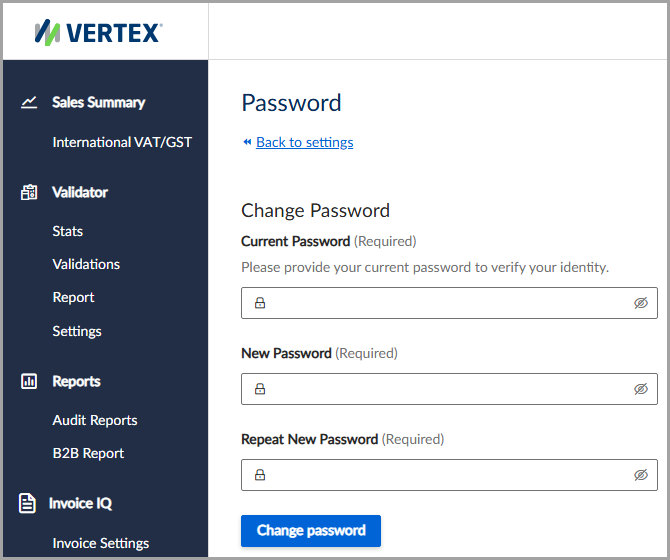
Change your user profile password.
Criteria for passwords
Passwords must be between 8 and 128 characters in length and must contain at least one uppercase letter, one lowercase letter, one number, and one special character (such as !@#$%^&*<>?).
Change your password
To change your password, follow these steps:
- Select Settings > Password.
- Enter your Current Password and New Password.
- Enter your new password again to confirm it.
- Click Change password.
Field descriptions
The following table describes the available fields:
| Field | Description |
|---|---|
| Current Password | Enter your current password. |
| New Password | Enter your new password. |
| Repeat New Password | Enter your new password again. |
Updated 3 months ago
Did this page help you?