
Notifications UI
Use this UI to set how you want to be notified about your repor
To open this UI, click Settings -> Notifications. The following UI is displayed:
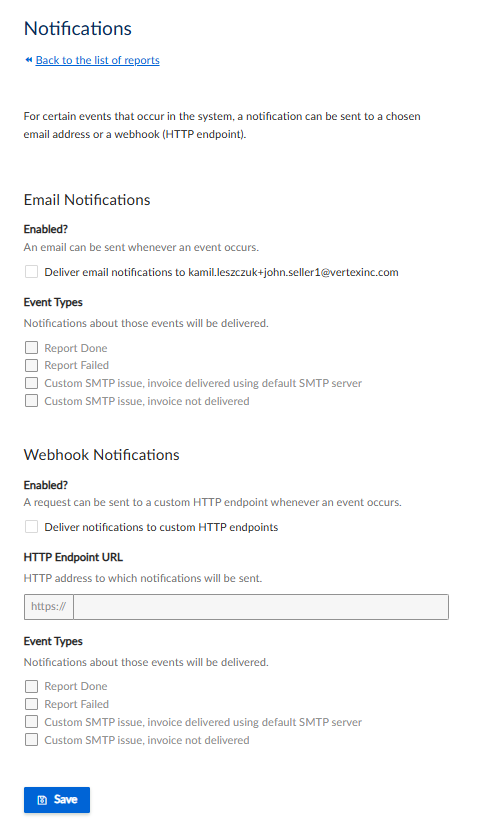
Notifications UI
Email Notifications
You can use these settings to configure email notifications. This UI contains the following fields:
| Field | Description |
|---|---|
| Enabled? | |
| Deliver email notifications to {email} | |
| Event Types | |
| Report Done | |
| Report Failed | |
| Custom SMTP issue, invoice delivered using default SMTP server | |
| Custom SMTP issue, invoice not delivered |
Webhook Notifications
| Field | Description |
|---|---|
| Enabled? | |
| Deliver email notifications to {email} | |
| HTTP Endpoint URL | |
| Event Types | |
| Report Done | |
| Report Failed | |
| Custom SMTP issue, invoice delivered using default SMTP server | |
| Custom SMTP issue, invoice not delivered |
Updated 4 months ago
Did this page help you?